
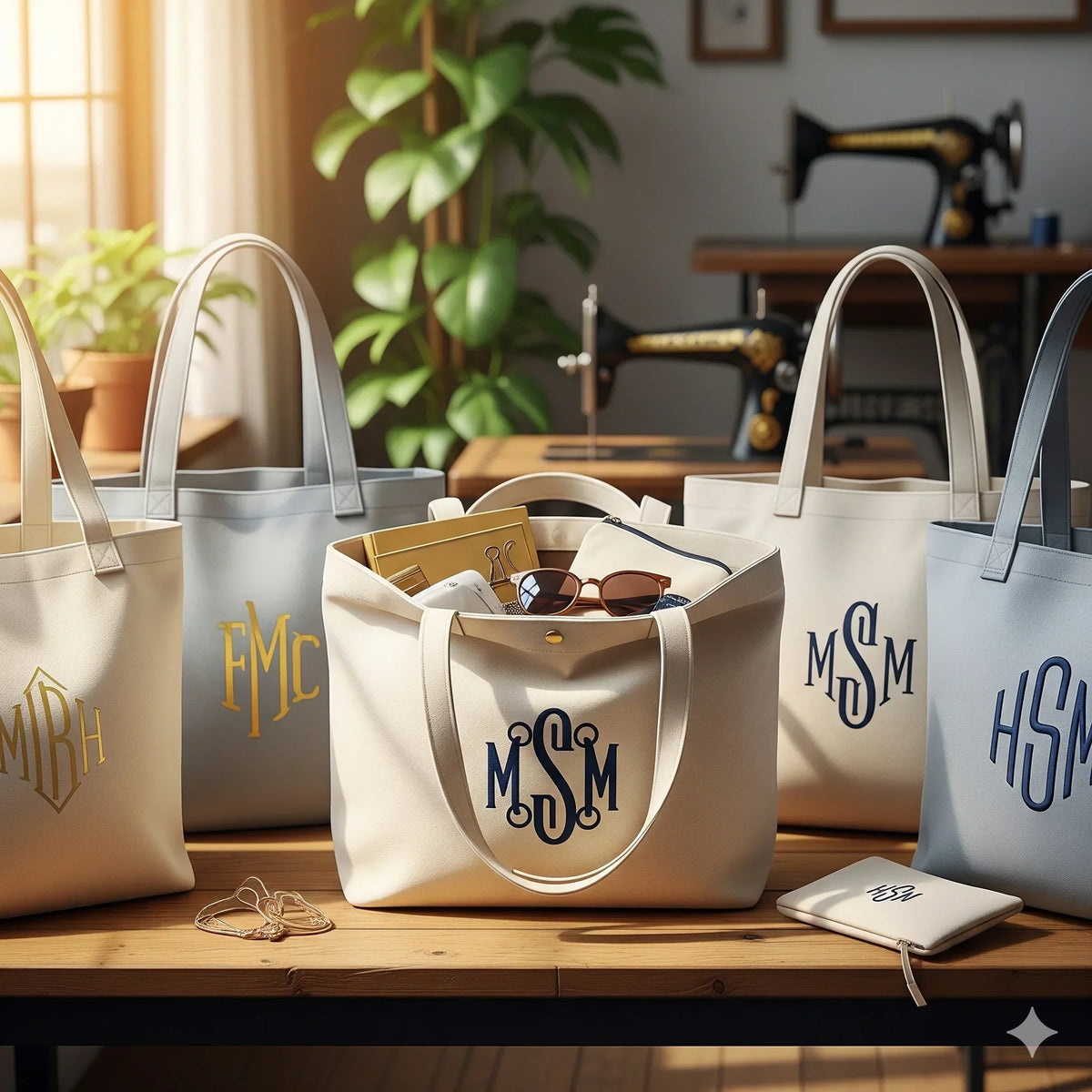
Monogram Tote Bag Print on Demand Business: Easy Start Guide
Custom monogram tote bags aren’t just a cute idea – they’re a fast‑selling product that lets moms, dads, teachers and nurses showcase their style while you earn a margin.
Imagine a teacher ordering a tote with "Ms. Lee" in a playful font for every parent‑teacher night. Or a nurse getting a bag stamped with "RN" to carry shifts. Those personal touches turn a plain tote into a must‑have accessory.
Here’s how you can get started: first, pick a reliable POD platform that offers high‑quality canvas and clear printing. Next, choose a simple, legible font – script works great for names, but keep it under three words so the design stays clean. Upload your base tote mock‑up, add a text box for the monogram, and use the preview tool to check alignment.
Run a quick test order for yourself. That way you see the exact colour, stitching and feel before you list it. Then set up product variants for different initials, and write a short, heartfelt description that tells shoppers why a monogram makes the bag extra special.
Don’t forget to showcase the bag in lifestyle photos – a mom holding groceries, a dad loading a bike, a teacher holding books. Real‑world shots help shoppers picture the tote in their own life.
When you’re ready to promote, remember that SEO matters. Use the phrase monogram tote bag print on demand naturally in titles, tags and alt text. And for deeper marketing tactics, check out Boho Tote Bag Print on Demand: 6 Essential Tips to Boost Sales for proven strategies that work across niches.
Step 1: Choose a POD Platform for Monogram Tote Bags
First thing you need is a print‑on‑demand service that can handle canvas, give you sharp printing, and ship fast. A good platform will let you upload a tote mock‑up, add a text box for the monogram, and see a real‑time preview. Look for a site that offers sample orders, clear pricing, and easy integration with your shop.
What should you check?
Print quality and material
Pick a service that uses heavyweight cotton canvas or a sturdy polyester blend. The bag should feel solid, not flimsy. Look for reviews that mention colour accuracy and stitching that holds up to daily use – moms, dads, teachers and nurses will put a lot of weight in these bags.
Design tools
The platform’s design editor should let you position the initials exactly where you want them. A grid overlay, zoom feature, and the ability to save a template save you time. If the editor lets you preview the bag on a model, that’s a plus.
Run a test order for yourself. Nothing beats feeling the fabric, seeing the ink up close, and checking the zip or strap quality. A single sample costs a few dollars but saves you from a bad batch later.
Once the sample passes, set up product variants for each set of initials. Most POD sites let you add a custom SKU or tag so you can track which monograms sell best.
Keep an eye on shipping times. If you’re targeting teachers who need a bag for the new school year, you’ll want a platform that can get the product out in a week or two. Same goes for nurses on a tight shift schedule.
Finally, make sure the service supports bulk discounts if you plan to order a lot for a promotion or a classroom order. That can keep your margins healthy while still offering a personal touch.
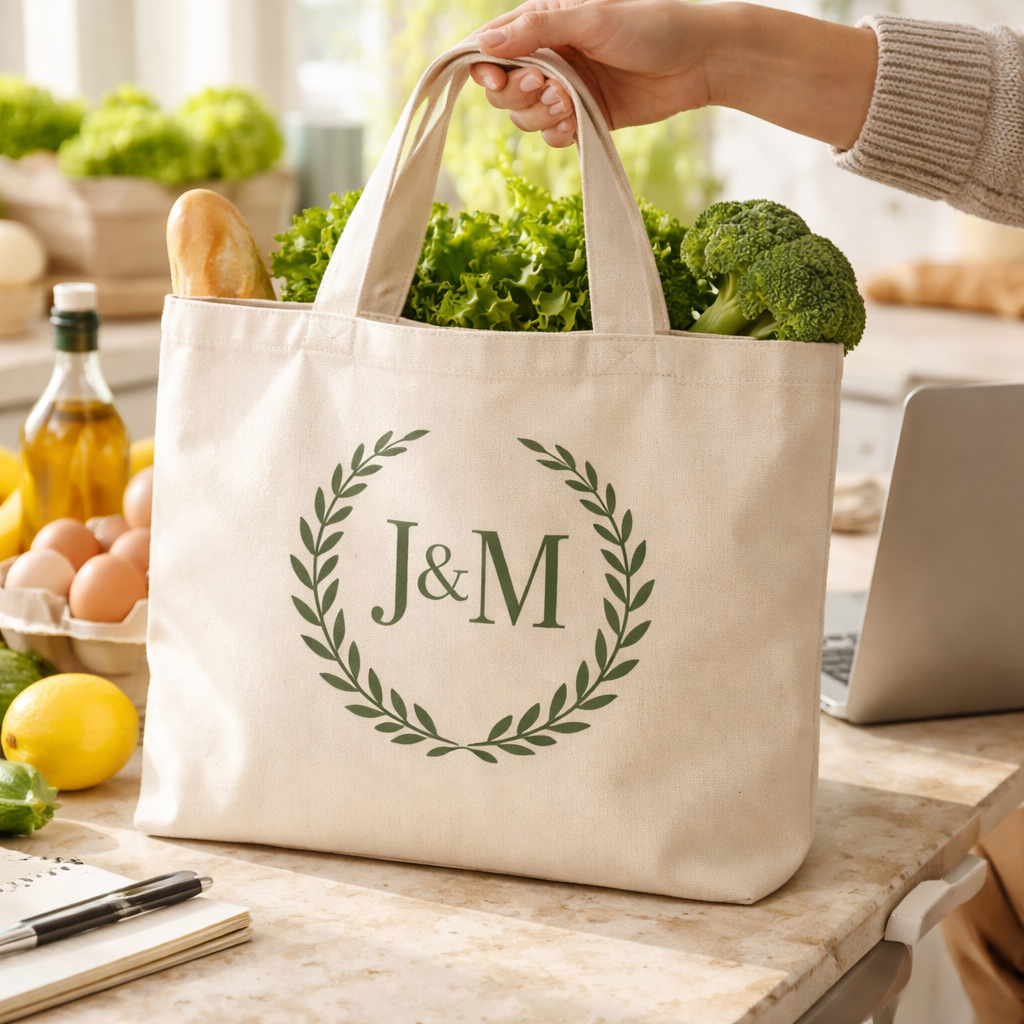
Step 2: Design Your Monogram - Fonts, Placement, and Personalization
Now that you have a POD partner, it’s time to make the monogram itself shine.
Pick a legible, lively font
Choose a type that reads at a glance. Script works when you want a soft, handwritten feel, but keep the strokes thick enough so a teen‑year‑old can read “A.J.” on a tote from across the room. Sans‑serif fonts give a modern vibe and stay clear on darker canvas.
Think about who’s buying. A mom might love a cursive “Emma” that looks like a signature, while a teacher may prefer a clean block font for “Ms. Lee”. The right font tells a tiny story.
Place the letters where they won’t get lost
Most shoppers expect the initials in the center, but you can play with the top‑left corner for a subtle badge or the bottom‑right for a hidden surprise. Keep a margin of at least a centimeter from the seam so washing won’t fade the edges.
Use the platform’s live preview to line up the text box. Drag it a few pixels left, then right, and watch the change in real time. If the letters look cramped, shrink the size by 10 % and check again.
Add personal touches
Colour matters. A navy tote with white initials pops, while a natural canvas looks warm with dark brown letters. Offer a small palette, like two neutrals and one bright accent, so buyers can match the bag to their style.
If the customer wants more than two letters, stack them vertically or use a smaller point size. Keep the total word count under three to avoid crowding.
Test before you list
Order a single sample with the exact font, colour, and placement you plan to sell. Hold it, wash it, and see if the ink stays crisp. That quick check saves you from surprise returns later.
Need a full checklist on pricing, SEO, and promotion? Check out our guide Boho Tote Bag Print on Demand: 6 Essential Tips to Boost Sales for extra details.
Step 3: Set Up Your Store, Pricing, and Order Management
Now that your design is ready, it’s time to get the shop live. First, pull up the POD dashboard and create a new product listing. Use the exact phrase "monogram tote bag print on demand" in the title so shoppers see it right away.
Price it right
Look at the base cost the platform shows. Add a margin that covers Etsy fees, shipping, and still feels fair. Many sellers start with a 40‑50% markup for custom bags. Test a few price points and watch how the cart reacts.
Tip: Offer a small discount for bulk orders – say two bags for a few dollars off – because moms and teachers often buy for groups.
Set up variants
Create size options (small, medium, large) and colour swatches. For the monogram, add a text field that limits characters to three. That stops long names from breaking the layout.
When you add the variant, double‑check the SKU format so your order sheet stays tidy. A clear SKU like "TB‑MED‑NAV‑AJ" tells you the bag size, colour and initials at a glance.
Order management basics
Turn on automatic order routing to your POD partner. That way, when a shopper hits "Buy now," the info pops straight into the print queue – no copy‑paste needed.
Set up email notifications for each stage: order received, printed, shipped. You can add a friendly note that reminds the buyer to wash the bag inside out for best care.
Need a deeper dive on how to price and promote each listing? Check out our full pricing guide for more ideas.
Below is a quick cheat‑sheet you can copy into a spreadsheet.
| Task | What to do | Key tip |
|---|---|---|
| Set title | Use exact keyword | Boosts search |
| Choose price | Add 40‑50% markup | Cover fees |
| Configure variants | Size, colour, monogram field | Limit to 3 chars |
Once the table is filled, hit "Publish" and watch the shop go live. Keep an eye on the first few orders – they’ll tell you if the price feels right or if you need to tweak the shipping speed.
Remember, a smooth order flow means happy buyers and fewer returns. A tidy SKU system, auto‑routing, and clear email updates keep things moving without you lifting a finger.
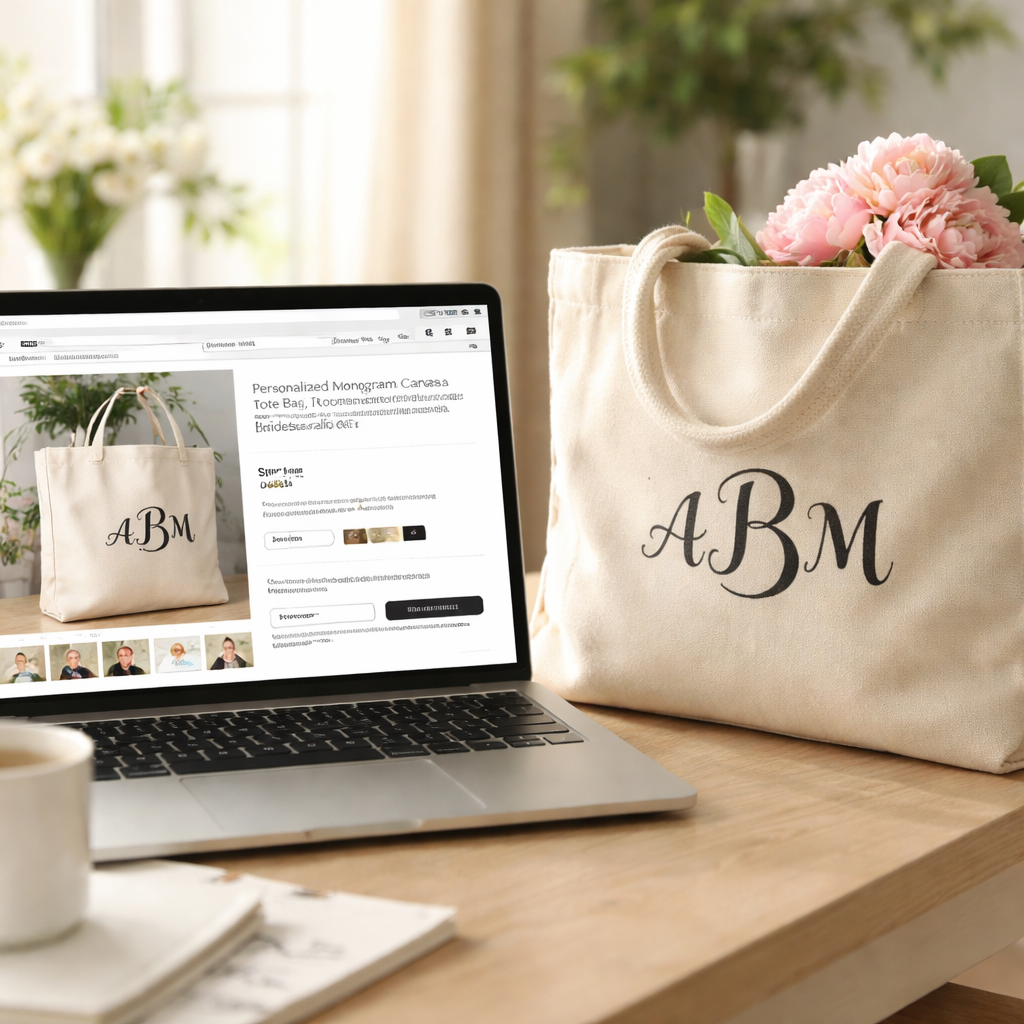
Conclusion
By now you’ve seen how a monogram tote bag print on demand can turn a simple canvas into a personal gift that moms, dads, teachers and nurses love.
Pick a POD platform that gives good canvas and clear ink, choose a readable font, set a fair price and make the initials field required. Keep shipping simple and add a short FAQ so buyers know what to expect.
Test the whole flow yourself, order a bag, read the confirmation email, check the print. One tiny tweak early on saves a lot of headaches later.
So what’s the next step? Grab a sample, tweak the design if needed, then launch your shop. The process is quick, and the payoff is real.
If you want a partner that already knows tote bags, TeninoVentures offers a ready-made print on demand service that handles printing and shipping while you focus on the fun part, the designs.
FAQ
What is a monogram tote bag print on demand?
It’s a service where you pick a tote, add a set of initials, and a printer makes one bag just for that order. You don’t keep stock. When a buyer clicks “order,” the design goes straight to a printer who prints the letters, folds the bag, and ships it. This lets you sell custom bags without a warehouse or a big upfront cost.
How do I choose the right font for a monogram?
Pick a font that stays clear when it’s tiny. Script fonts work for moms who want a soft look, but make sure the strokes are thick enough to read. Block fonts give dads a bold feel. Test the look on a screen mock‑up, then order a single sample bag. Hold it, read the letters from a few inches away, and adjust size if it looks fuzzy.
What shipping options should I offer?
Give two clear choices: a standard option that arrives in 3-5 days and an express option that gets there in 1-2 days. Show the cost next to each so shoppers know exactly what they’ll pay. Choose a printer that has a warehouse close to your main customers, for example, a UK printer for British moms or a US printer for American nurses. Faster delivery keeps buyers happy.
How do I handle mistakes in the initials?
Make the initials field required in the order form so you never get a blank order. Add a short note in the confirmation email that tells the buyer how to change the letters if they typed the wrong ones. A quick “change my initials” link can save you a lot of back‑and‑forth and prevents a bag being sent with the wrong name.
Do I need to add a FAQ page?
Yes. A short FAQ helps shoppers feel confident. Answer common questions like “Can I add a heart icon?” or “What if the bag arrives damaged?” Keep each answer short, clear, and written in the same tone you use on the product page. When buyers see the info up front, they’re more likely to finish the purchase.
Can TeninoVentures help with my monogram tote bag launch?
TeninoVentures offers a ready‑made print on demand workflow that handles printing and shipping for you. You just upload the design, set the price, and let the platform take care of production. This lets you focus on creating new monograms and promoting the bags to moms, dads, teachers, and nurses.

Leave a comment
This site is protected by hCaptcha and the hCaptcha Privacy Policy and Terms of Service apply.