
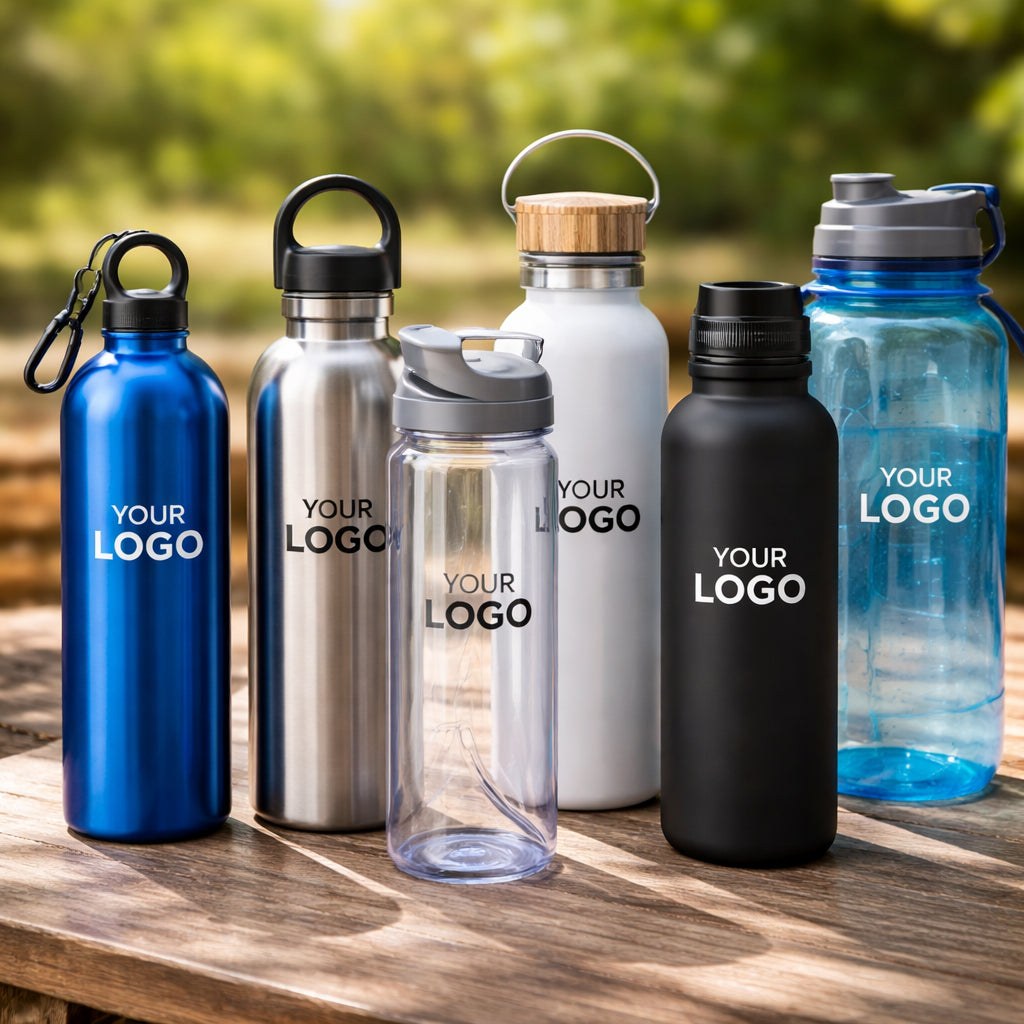
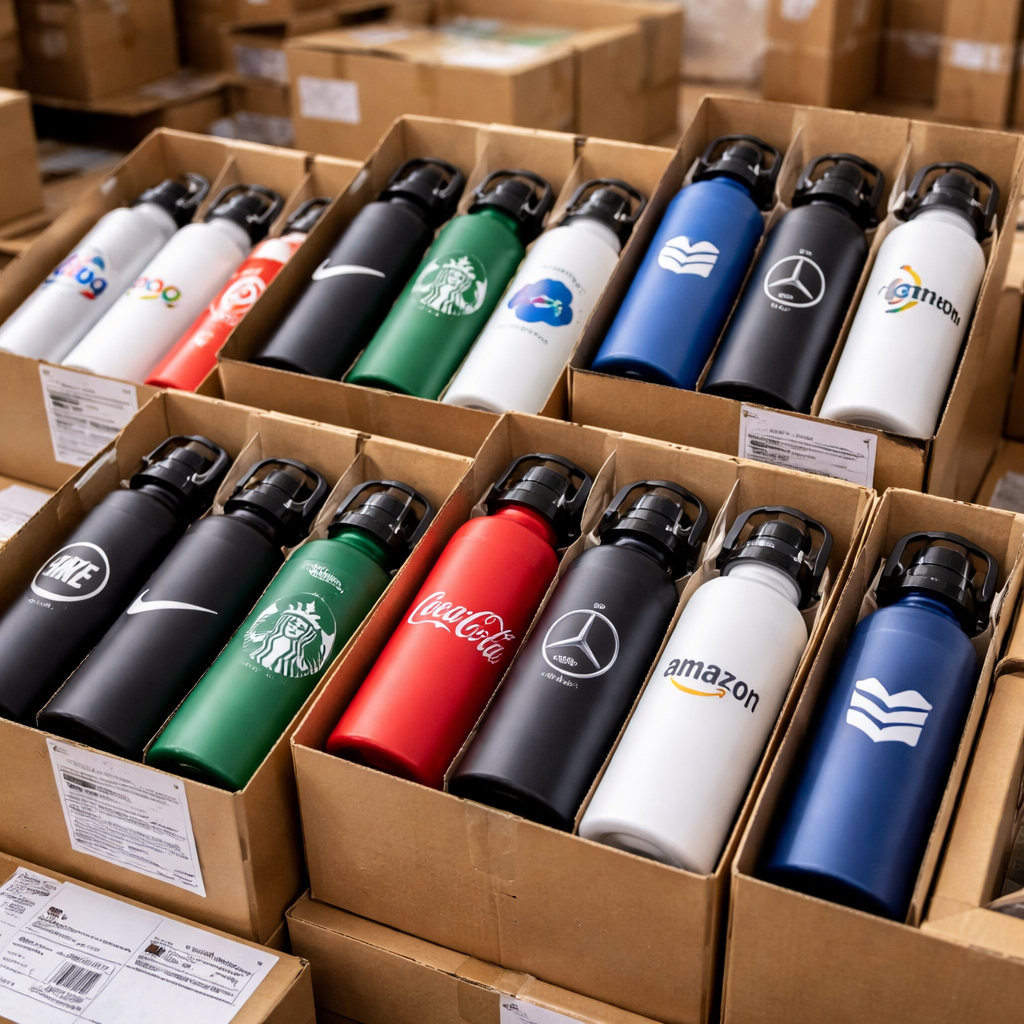
custom water bottle with logo
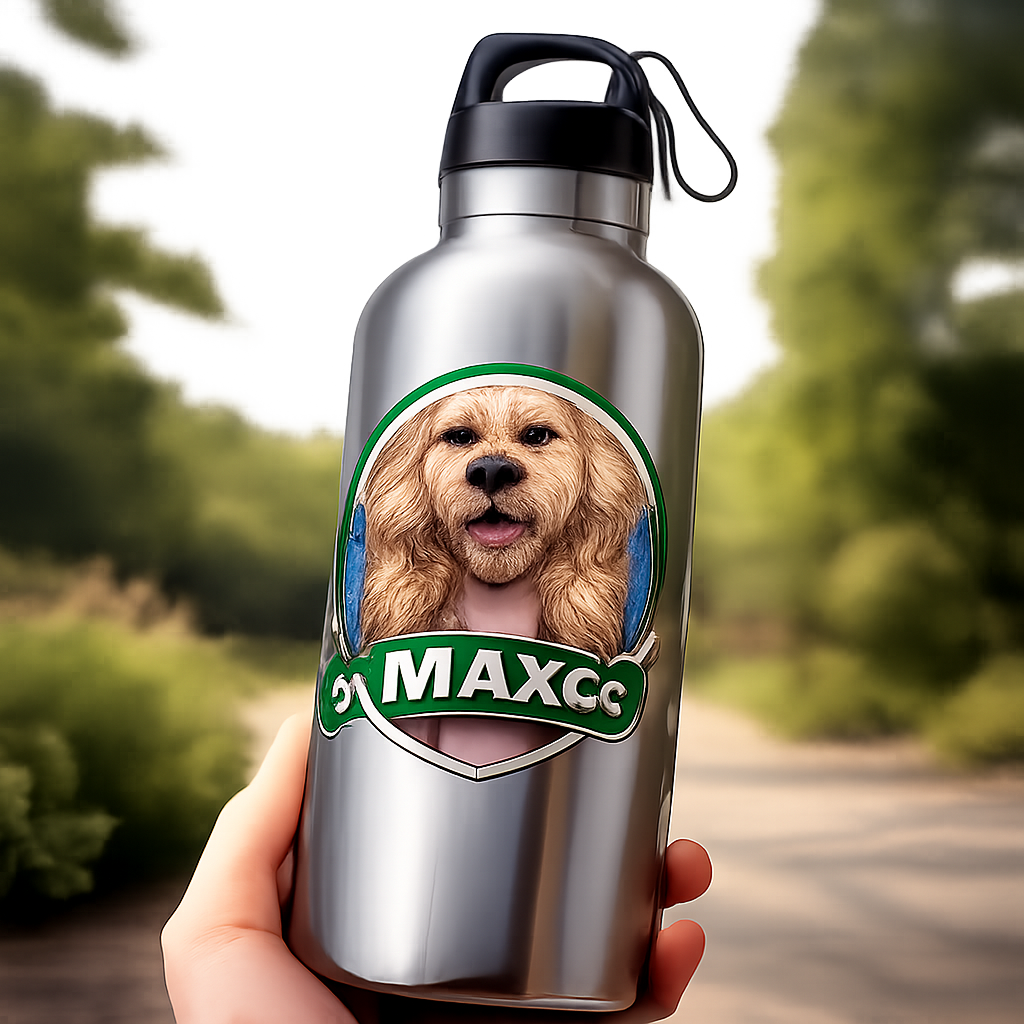
Imagine you’ve just walked out of a weekend pet photo shoot, and the photographer hands you a fresh mug that shows your dog’s goofy grin. You love it, but you also want something you can carry to work, the gym, or a hike. That’s where a custom water bottle with logo can step in. Instead of a mug, picture a sturdy bottle that sports your pet’s face and your family name on the side. It’s a daily reminder of love and a handy way to stay hydrated.
But many people hit a snag. They see a dozen options online and feel lost. Which bottle lasts? Which material feels good? How do you get the logo to look sharp? And what about pricing?
In this guide we’ll walk you through every step. From picking the right style to designing a logo that pops, from choosing a printing method that won’t fade, to comparing pricing and fulfillment. By the end you’ll feel confident to order a custom water bottle with logo that fits your life and budget.
Along the way we’ll sprinkle a few useful links. For more on designing mugs, check out Everything You Need to Know About Custom Floral Mug Print on Demand. And if you’re curious about photo booth rentals for an event, you can explore Photo Booth Rental Murrieta: A Complete Guide for 2026 Events. These extras help you see the bigger picture of personalized products.
Step 1: Choose the Right Bottle Style and Material
The first decision is the bottle’s shape and material. A custom water bottle with logo can be made from aluminum, BPA‑free plastic, stainless steel, or even glass. Each has pros and cons.
Why material matters
Aluminum is light and cheap. It’s great for a quick giveaway. But it can dent if you drop it.
Stainless steel is heavy and stays cold for hours. It’s perfect for gym lovers who need a cold drink after a sprint.
Plastic is budget‑friendly and easy to print on. Some versions are BPA‑free, which eases health worries.
Glass looks sleek and won’t retain flavors. It’s fragile, so it fits best for office desks, not backpacks.
How to match style to audience
If you’re a teacher buying for a classroom, a BPA‑free plastic bottle with a wide mouth makes it easy for kids to fill.
If you’re a nurse on long shifts, a stainless steel insulated bottle keeps coffee hot for those 12‑hour days.
For a mom who loves yoga, a sleek aluminum bottle with a matte finish feels calm and fits a tote bag.
- Check the product page for “no minimum order” if you only need a few.
- Look for “cold‑drink only” notes if you plan to use it for tea.
- Read the material description for “BPA‑free” if health is a priority.
VistaPrint lists many options and notes that these bottles are among the top 10 promotional items customers love to receive.VistaPrint water bottle catalog offers a quick filter for “no minimum order”. Their experts can also help you pick the right size.Design studio overview
Step 2: Design Your Logo for the Bottle
Now that you know the bottle, the next step is the art. A clear, bold logo makes a custom water bottle with logo stand out.
Start with high‑resolution files
VistaPrint and most POD sites ask for at least 300 dpi. Use .png or .pdf formats. A low‑res image looks blurry after printing.
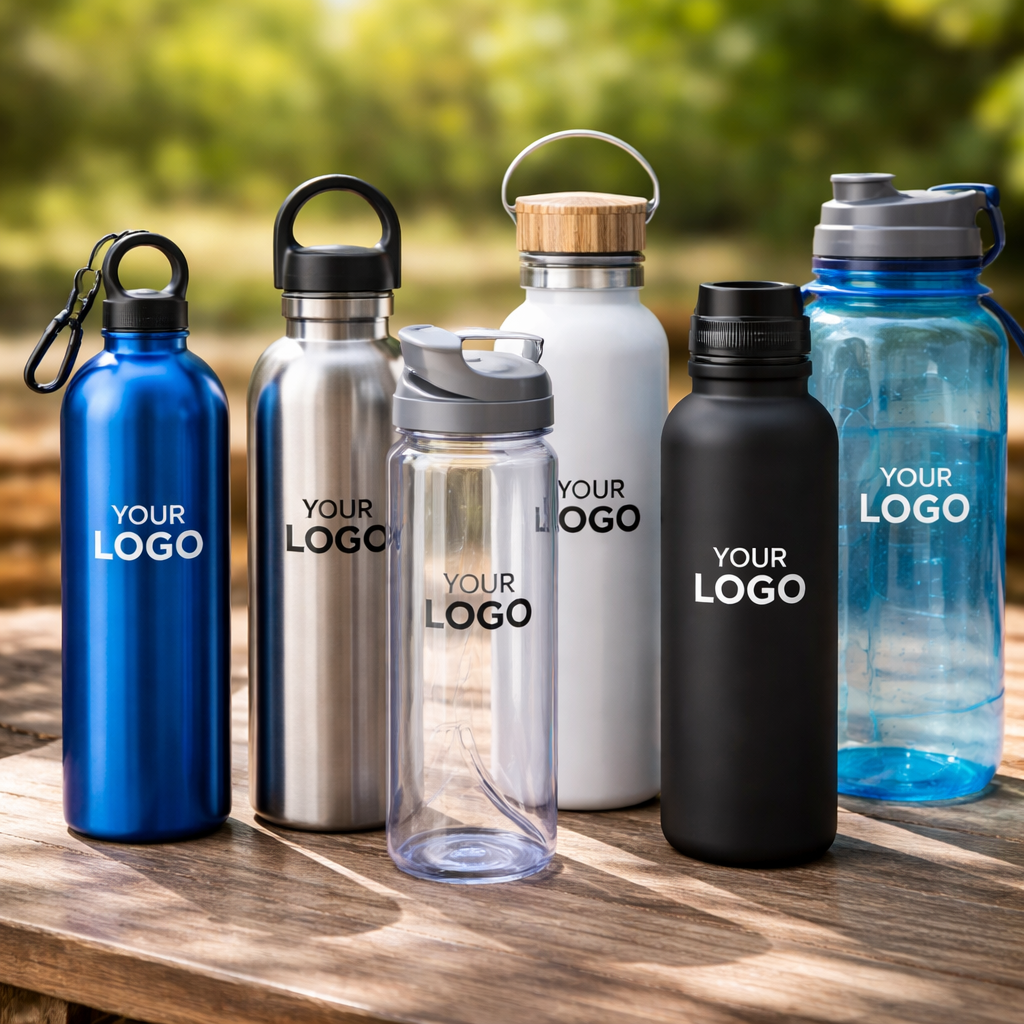
Pick colors that contrast with the bottle’s hue. A dark logo on a white bottle pops, while a light logo on a dark bottle may fade.
Simple shapes win
Think of a pet portrait: a simple outline of the head with a splash of color works better than a busy background.
Use a tool like Canva or Adobe Illustrator to trim excess space. Keep the design within a square or rectangle that matches the label size you’ll choose.
Label sizes to consider
For a 500 ml bottle, a 2” × 8.5” full‑wrap label covers the whole side. A 2” × 4” half‑wrap works if you only need a logo and name.
UPrinting explains the options well. Their “crack & peel” labels are easy to apply and come in matte or gloss finishes.UPrinting label guide
Alexa Springs offers tips on matching colors to bottle shades, reminding you to keep the design simple for best results.Alexa Springs design tips
- Use vector files for crisp edges.
- Test the logo on a white background before uploading.
- Leave at least a 0.2‑inch margin around the edge.
Step 3: Select a Printing Method (Video Walkthrough)
With the design ready, you must pick how it gets on the bottle. Different printers give different looks and durability for your custom water bottle with logo.
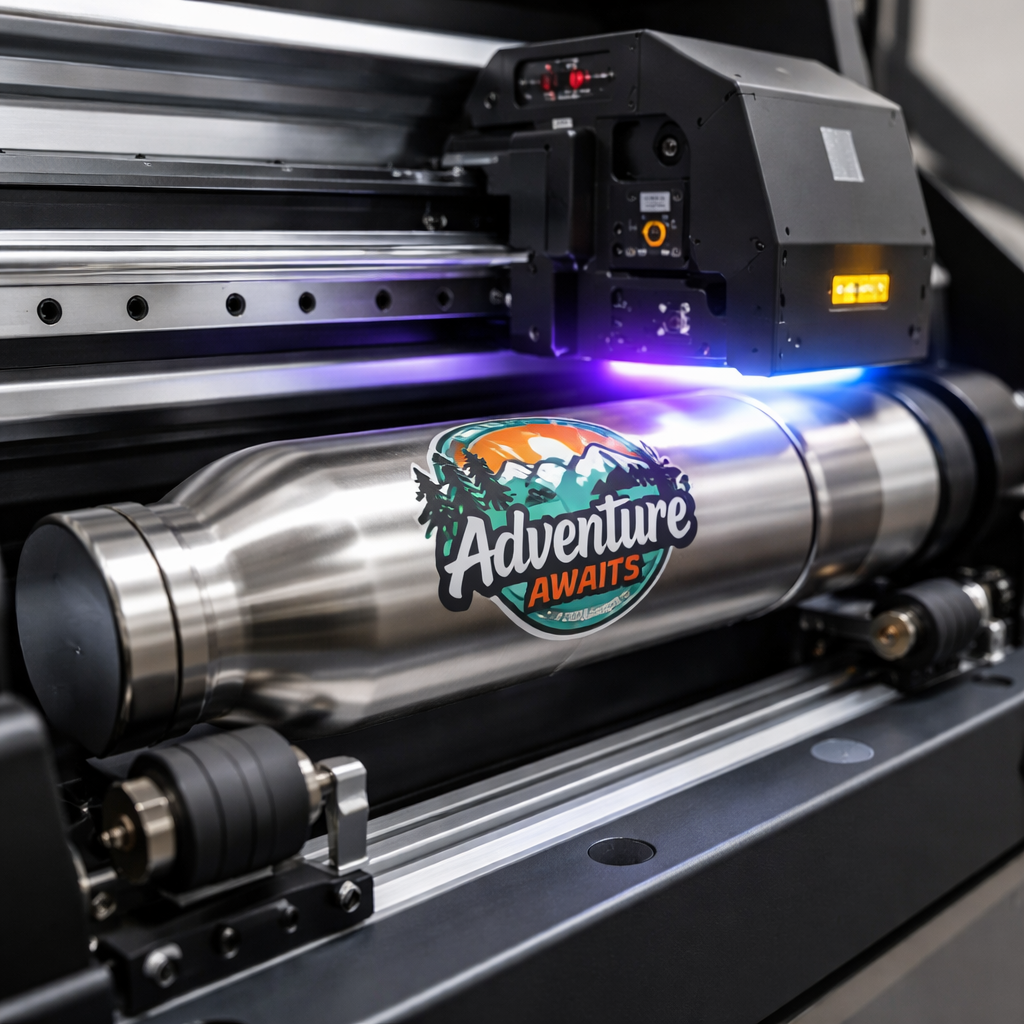
UV cylinder printing
UV printers spray ink onto the bottle’s surface and cure it instantly with ultraviolet light. The result is a vivid, scratch‑resistant image.
These machines can print on stainless steel, aluminum, plastic, and glass. That means you can keep the same design across many styles.
The ink bonds tightly, so washing won’t wash away the art. It’s also fast for small runs, making it a good choice for a few dozen bottles.
Other methods
Sublimation works best on polyester‑coated surfaces. It’s great for bright, full‑color prints but needs a special coating.
Engraving etches the logo into metal. It looks premium but is limited to simple line art.
Screen printing is cheap for large batches but can feel thick on the bottle.
Watch this short video for a step‑by‑step look at UV cylinder printing in action:
For deeper details, MTUTech explains the whole UV process, from cleaning the bottle to curing the ink.MTUTech UV cylinder guide (see also same guide repeated for second link).
- Choose UV printing for bright colors and durability.
- Pick sublimation if you need a full‑wrap glossy finish.
- Select engraving for a sleek, metal‑only look.
Step 4: Order, Pricing, and Fulfillment Comparison
Now you’re ready to place the order. Knowing the cost structure helps you stay on budget while still getting a high‑quality custom water bottle with logo.
Pricing factors
Base price depends on material and size. Aluminum 16 oz bottles start around $5 each, while stainless steel insulated 24 oz bottles can be $12.
Printing adds a per‑piece fee. UV printing is about $2‑$3 extra, while engraving may be $1‑$2.
Quantity matters. Most suppliers lower the unit cost as you add more bottles. A batch of 50 can shave $1 off each bottle.
Fulfillment options
Some sites handle everything from printing to shipping. Others let you download a proof and ship yourself.
Print‑on‑demand (POD) services like Printify or Printful store the bottles in their warehouses and ship directly to buyers. This cuts down on handling but may add a small markup.
Traditional bulk orders let you buy a large stock and store it yourself. That works if you plan to sell the bottles over months.
| Supplier | Material | Printing Method | Min Order | Avg Cost per Bottle | Fulfillment |
|---|---|---|---|---|---|
| DrinkBranders | Stainless steel, plastic | UV, screen | 1 | $7‑$14 | In‑house ship |
| eComposer POD | Various (incl. bamboo lid) | UV, sublimation | 1 | $8‑$15 | Global POD network |
| Printify | Plastic, Tritan | Sublimation | 1 | $6‑$12 | Third‑party POD |
| Printful | Stainless steel, insulated | UV full‑wrap | 1 | $9‑$16 | US/EU warehouses |
DrinkBranders notes that a “custom water bottle” can travel from office to gym, making it a high‑visibility promo item.DrinkBranders overview eComposer lists the best POD suppliers and their price ranges.eComposer POD guide
- Ask for a digital proof before finalizing.
- Check shipping times; US‑based warehouses are faster for American buyers.
- Consider eco‑friendly packaging if your audience cares about sustainability.
Conclusion
Choosing a custom water bottle with logo doesn’t have to be a maze. Start with the right material for your lifestyle, craft a simple yet bold logo, pick a printing method that holds up to daily use, and compare pricing and fulfillment options.
When you follow these steps, you’ll end up with a bottle that looks great, feels right in your hand, and keeps your brand or pet portrait visible wherever you go.
Ready to order? Visit your favorite POD shop, upload a high‑resolution logo, and watch the magic happen. Your new bottle will arrive in a few days, ready to fill with water, coffee, or even a smoothie.
Want more ideas on event gear? Check out Your Complete Guide to Photo Booth Rental Temecula for Unforgettable Events. For graduation parties, see Photo Booth Rental for Graduation Party: A Step‑by‑Step Guide. If you’re planning a big celebration in San Diego, explore Your Complete Guide to Photo Booth Rental San Diego. And for a 360 video booth, read Everything You Need to Know About 360 Video Booth Rental. These resources show how personalized items can boost any event.
FAQ
How do I pick the best material for a custom water bottle with logo?
Think about where the bottle will live. If it’s for a gym, stainless steel keeps drinks cold and feels sturdy. For a classroom, BPA‑free plastic is light and easy to clean. For a desk, glass looks sleek but needs careful handling. Match the material to the user’s daily routine, and you’ll get a bottle they’ll actually use.
What file format should I use for my logo?
Upload a high‑resolution vector file like .pdf or .ai, or a 300 dpi .png. Vectors keep lines crisp no matter the size. If you only have a raster image, make sure it’s at least 300 dpi so it doesn’t blur when printed on the custom water bottle with logo.
Is UV printing worth the extra cost?
Yes, if you want bright colors that won’t fade. UV ink cures instantly, so the design stays sharp after many washes. It works on metal, plastic, and glass, giving you flexibility across bottle types. For a one‑off order, the extra few dollars can make a big visual difference.
Can I order just a few bottles?
Absolutely. Most POD sites, including VistaPrint, have a “no minimum order” filter. You can order a single custom water bottle with logo and still get the same quality as a bulk run. This is great for gifts or small‑team swag.
How long does shipping take?
Shipping depends on the supplier’s warehouse location. US‑based printers usually deliver in 5‑7 business days for standard shipping. International orders can take 10‑14 days. Some services offer expedited options for an extra fee, which can shave a few days off the timeline.
What should I look for in a proof before approving my order?
Check the logo’s placement, color contrast, and spelling. Make sure the image is centered and not too close to the bottle’s edges. Verify that the proof shows the exact material and finish you chose. A clear proof helps avoid costly reprints of your custom water bottle with logo.

Leave a comment
This site is protected by hCaptcha and the hCaptcha Privacy Policy and Terms of Service apply.