
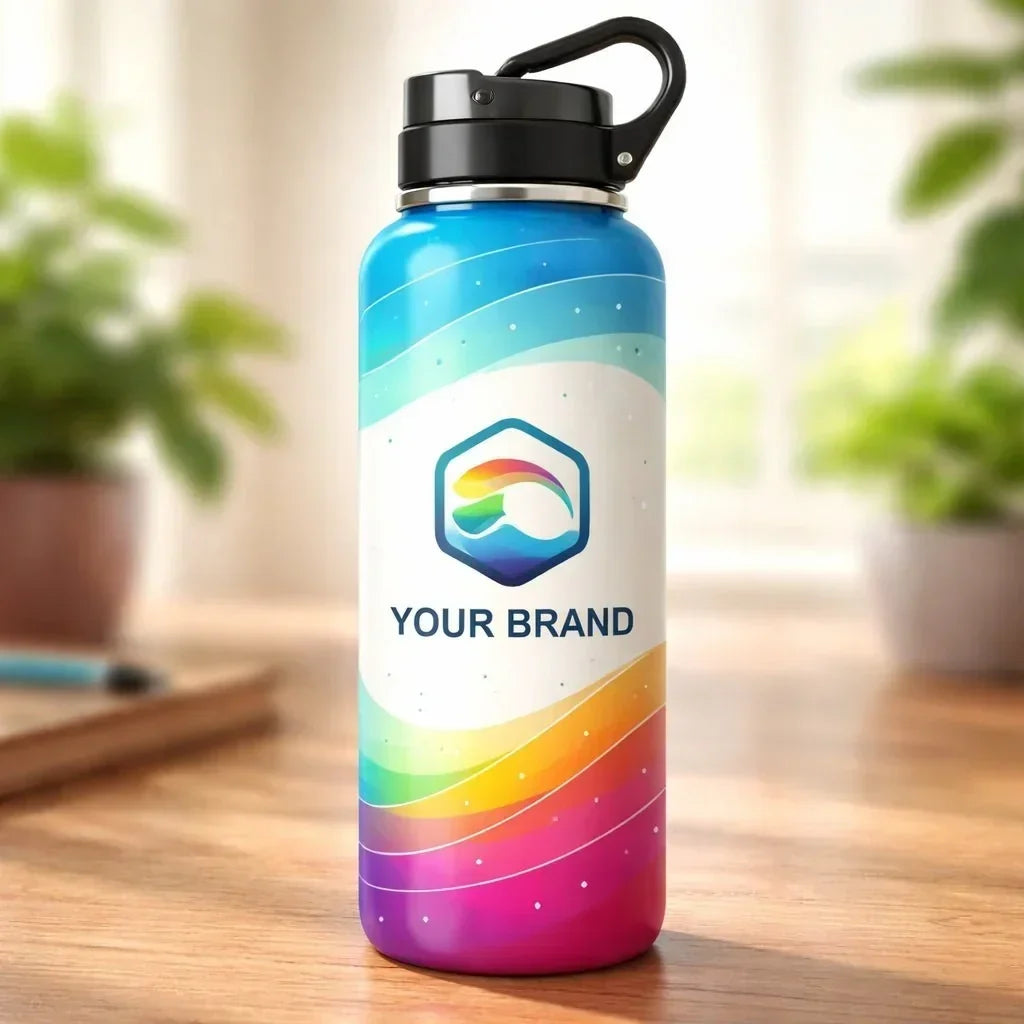
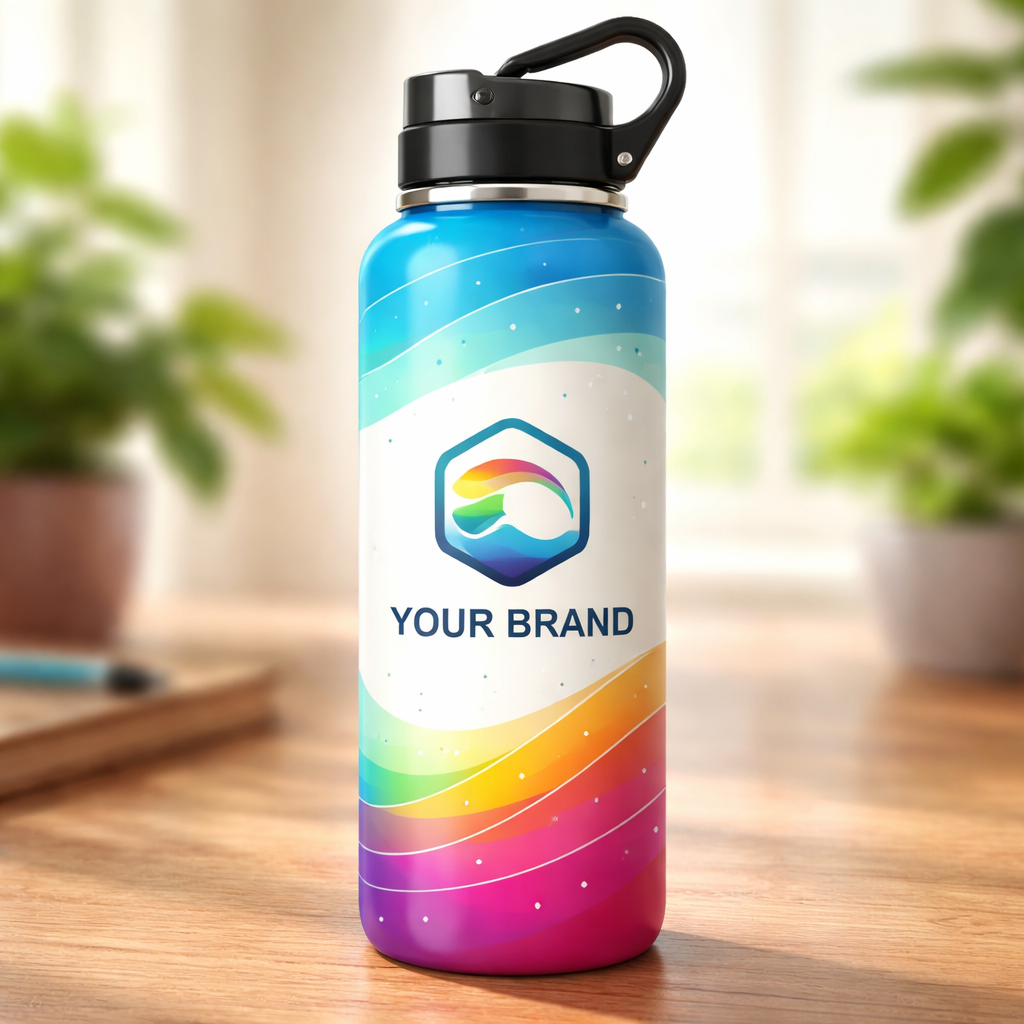
Custom Water Bottle with Logo - Personalize Your Hydration Accessory Today
Imagine you’re a mom juggling school runs, soccer practice, and a morning coffee. You grab a water bottle, but it’s just a plain plastic thing. No fun. No “you”. You wish you could sip from something that shows off your family’s name or a cute doodle of your dog. That’s where a custom water bottle with logo steps in. It turns a daily habit into a personal moment. You can hand it out at a PTA meeting, give it to a nurse on a long shift, or keep it on your desk as a reminder of why you work so hard. In this guide, we’ll walk you through every step – from sketching a logo to picking a material, choosing how the design lands on the bottle, and getting the order right. By the end, you’ll feel ready to order a bottle that looks good, feels right, and tells your story.
Step 1: Design Your Logo for the Bottle
First, think about what you want people to see when they glance at your custom water bottle with logo. A clear logo works like a mini billboard. It should be simple enough to read on a curved surface. The Water Depot says that color sets the mood. Pick a hue that matches the vibe you want – bright orange for energy, calm blue for trust.
Next, keep the text short. The label space is tiny, so avoid long sentences. Use a font that reads well on plastic or metal. Quality Logo Products recommends Gotham for a balanced look, or Helvetica for a clean feel. Here are three quick tips:
- Limit words: Aim for 2‑3 words or a short phrase.
- High contrast: Light text on dark bottles, dark text on light bottles.
- Test readability: Print a small mock‑up and view it from a distance.
Think about the shape of your label. Most are rectangles, but you can break the mold. A curved wrap or a badge shape can catch the eye. The material of the label matters too. A glossy finish feels premium, while a matte look reduces glare when the bottle is wet.
Once you have a draft, get a digital proof. Many suppliers send a same‑day proof so you can spot any spacing issues. If you’re using TeninoVentures, you can upload a 300 dpi PNG or AI file. Remember, the logo will sit on a curved surface, so leave a safe margin around the edges.
Finally, think about who will see the bottle. A teacher might want a calm blue with a book icon, while a nurse may like a bright green with a heart symbol. Tailor the design to the audience for a stronger connection.
Step 2: Choose the Right Bottle Material and Style
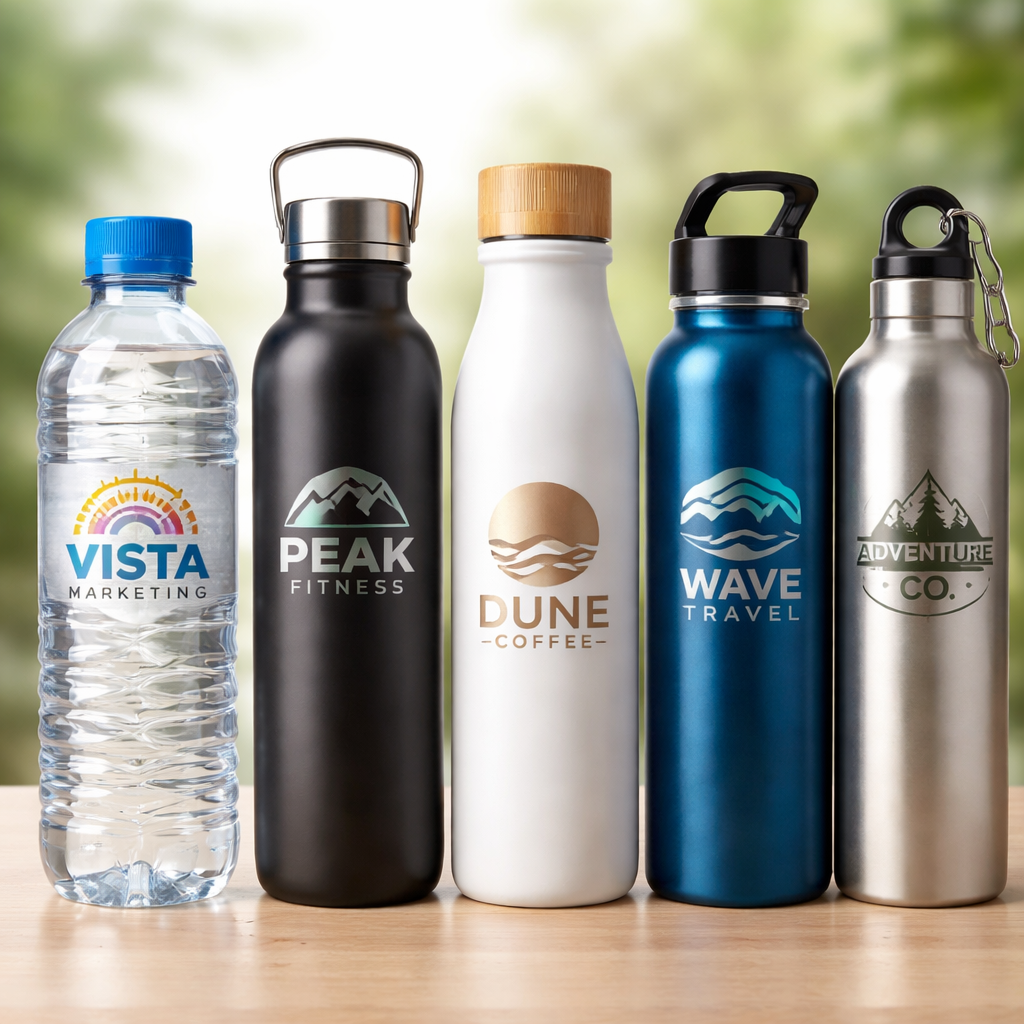
Now that the logo is ready, pick the bottle that will hold it. The material decides how the bottle feels, how long it lasts, and how it shows your design. Vistaprint lists four common choices: BPA‑free plastic, stainless steel, aluminum, and glass.
Plastic bottles are light and cheap. They’re great for school kids or large giveaways. Look for BPA‑free options to keep health concerns low. Stainless steel feels solid, keeps drinks cold longer, and gives a sleek backdrop for a logo. Aluminum is similar but lighter; it works well for outdoor events. Glass offers a clean canvas, but it’s heavier and can break.
Here are three factors to weigh:
- Use case: Gym‑goers need a sweat‑proof, leak‑proof bottle. Office workers may prefer a sleek steel bottle that fits a cup holder.
- Temperature: If you plan hot drinks, pick double‑wall insulated steel. Cold drinks? Any material works, but metal stays colder.
- Eco‑impact: Recycled PET plastic or stainless steel are greener choices.
Style matters too. Do you want a screw‑top, flip‑top, or straw lid? A flip‑top is quick for sports. A straw lid helps kids sip without spilling. A wide mouth makes adding ice easy.
When you settle on a style, check the imprint area. Some bottles have a full‑wrap surface, while others only allow a small label zone. This will affect how big your logo can be.
Below is a short video that walks through the different bottle styles and how they affect printing.
And if you need a real‑world example, a local teacher ordered 50 stainless steel bottles with a simple chalkboard icon. The bottles were a hit at the school fair and helped raise the class’s art fund.
Remember to match the bottle color with your logo contrast. A dark logo on a light bottle pops, and the opposite works too.
Step 3: Select a Printing Method and Compare Options
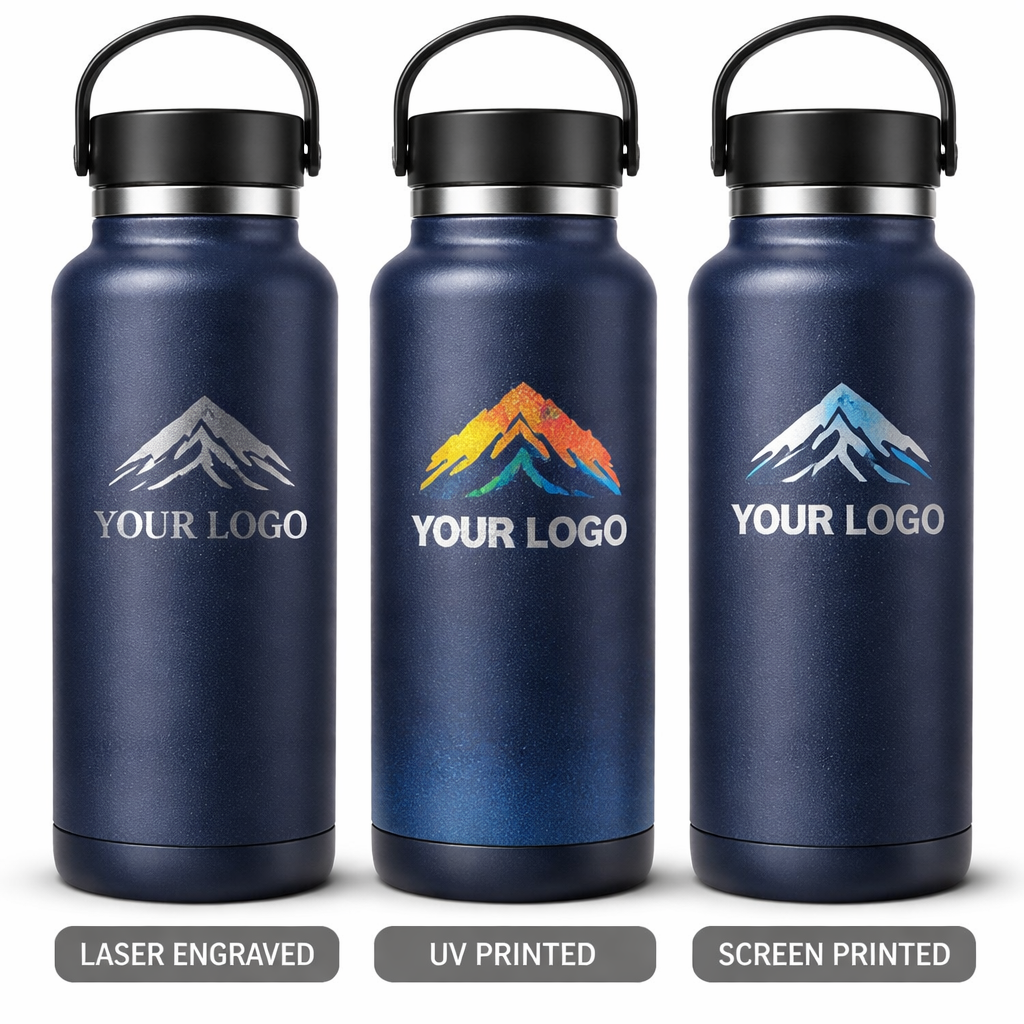
The way you put your logo on the bottle changes cost, look, and durability. Three main methods exist: laser engraving, UV 3D printing, and screen printing. Your Custom Bottle breaks down the pros and cons.
| Method | Durability | Color Options | Best For | Typical MOQ |
|---|---|---|---|---|
| Laser engraving | Very high – logo is carved into the metal | Single‑tone (metal color) | Premium look, low budget, small runs | Any size |
| UV 3D printing | High – surface coating protects the print | Full‑color, textured | Vibrant designs, small batches | 100‑500 |
| Screen printing | Medium – may wear over time | Usually 1‑2 colors | Large runs, simple logos | 500‑1,000+ |
Laser engraving gives a recessed look that feels premium. It’s cheap for a few pieces, but you can’t add bright colors. If your custom water bottle with logo needs a single, sleek symbol, laser is a solid pick.
UV 3D printing adds depth and full‑color detail. It’s pricier, but perfect for a pet portrait or a multi‑color school mascot. Small schools love this because they can order just a few dozen.
Screen printing shines when you need 500 or more bottles with a simple, bold logo. The cost per unit drops dramatically, making it ideal for a corporate wellness program.
Here are three quick checks:
- Budget: Laser is cheapest per piece for low volumes.
- Color needs: Choose UV 3D if you need more than one color.
- Order size: Screen printing saves money at high volumes.
Imagine you run a small yoga studio. You want a calm teal bottle with a lotus logo in two shades. UV 3D printing lets you keep the soft gradient without breaking the bank, and you only need 150 bottles for the next quarter.
When you get a quote, ask for a sample. Seeing the finish helps you decide if the method matches your brand’s feel.
Step 4: Order, Shipping, and Bulk Discounts
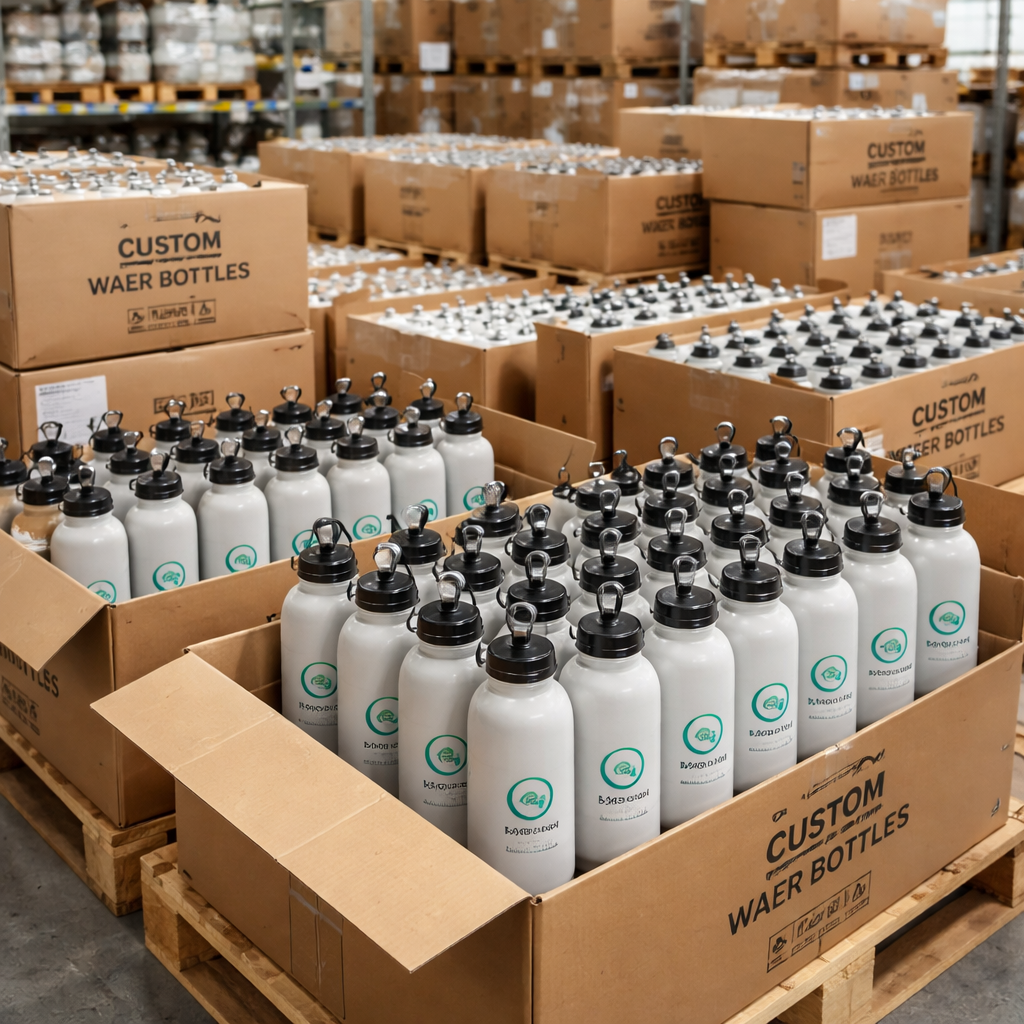
Now it’s time to place the order. Most vendors let you buy as few as 24 bottles, but the price per bottle drops as you add more. 4imprint shows that bulk orders can start under $1 per bottle when you hit 300 pieces.
Here are three steps to lock in the best deal:
- Get a quote: Enter your logo file, pick material, and select the printing method. Most sites give an instant price.
- Check MOQ and discounts: Ask if there’s a tiered discount. For example, 100‑199 bottles might be $2.00 each, 200‑399 at $1.75, and 400+ at $1.50.
- Confirm shipping: Look for “ships within 5 days” or faster if you need a rush. Some sellers offer free ground shipping for orders over a certain amount.
Don’t forget to verify the turnaround time. The Water Depot notes a standard 10‑14 day production window, with rush options in 5‑6 days. If you need the bottles for a school event in two weeks, ask for a rush quote.
Shipping costs can add up, especially for heavy steel bottles. Ask if the vendor can bundle the order in a single pallet to save on freight.
And a pro tip: order a few extra bottles as “spare” stock. They’re handy for new hires, lost gifts, or future events.
For a real example, a community clinic ordered 150 stainless steel bottles with a simple red cross logo. They saved 12% by hitting the 100‑piece discount tier and received the order in 7 days thanks to a rush option.
Before you finish, double‑check the proof. Look for spelling errors, correct logo placement, and proper color matching. Once you approve, the vendor will start production.
Conclusion
Choosing a custom water bottle with logo is more than a design exercise. It’s about matching the right look, feel, and cost to the people who will use it. Start with a simple, high‑contrast logo, pick a material that fits the daily routine, select a printing method that meets your color and durability needs, and then lock in a bulk order that saves you money. When you follow these steps, you’ll end up with a bottle that feels personal, lasts long, and spreads your brand every time someone takes a sip. Ready to start? Grab your favorite design tool, upload a 300 dpi file, and let a trusted maker like TeninoVentures bring your custom water bottle with logo to life.
FAQ
What file format should I use for my logo?
Use a high‑resolution file such as .png, .jpg, .pdf, or .ai. Keep the image at 300 dpi and make sure the background is transparent if you want the bottle’s color to show through. This ensures the custom water bottle with logo prints sharp and clean.
How many colors can I include in my design?
The number of colors depends on the printing method. Laser engraving uses a single metal tone, UV 3D printing handles full‑color designs, and screen printing works best with one or two solid colors. Choose the method that fits your color needs and budget.
Can I order a sample before the full run?
Yes. Many vendors, including TeninoVentures, will send a single sample for a small fee. Seeing a physical prototype of the custom water bottle with logo helps you catch any layout or color issues before you commit to a larger order.
What is the fastest shipping option?
Most suppliers offer a rush production line that can finish a batch in 5‑6 days. Shipping itself may take 1‑3 days for domestic orders. If you need bottles for an event next week, ask for rush production and expedited ground shipping.
Are the bottles recyclable?
Yes. Most custom water bottles are made from recyclable PET plastic, stainless steel, or aluminum. Check the product details to confirm the material is labeled as recyclable, then place the bottle in your local recycling bin after use.
How do I calculate the right order size?
Think about the event size, the audience, and any future needs. A small school club might start with 50‑100 bottles, while a corporate wellness program could need 300‑500. Remember that bulk discounts usually kick in at 100 pieces, so ordering a bit more can lower the per‑unit price.
Can I add a personal name in addition to the logo?
Sure. Many printers let you add a name or short phrase alongside the logo. Keep the extra text short and high‑contrast so it stays readable on the curved surface of the custom water bottle with logo.
What if my design has a gradient?
Gradients work best with UV 3D printing, which can reproduce subtle color shifts. Laser engraving and screen printing are limited to solid colors, so a gradient would appear as a single shade with those methods.

Leave a comment
This site is protected by hCaptcha and the hCaptcha Privacy Policy and Terms of Service apply.