
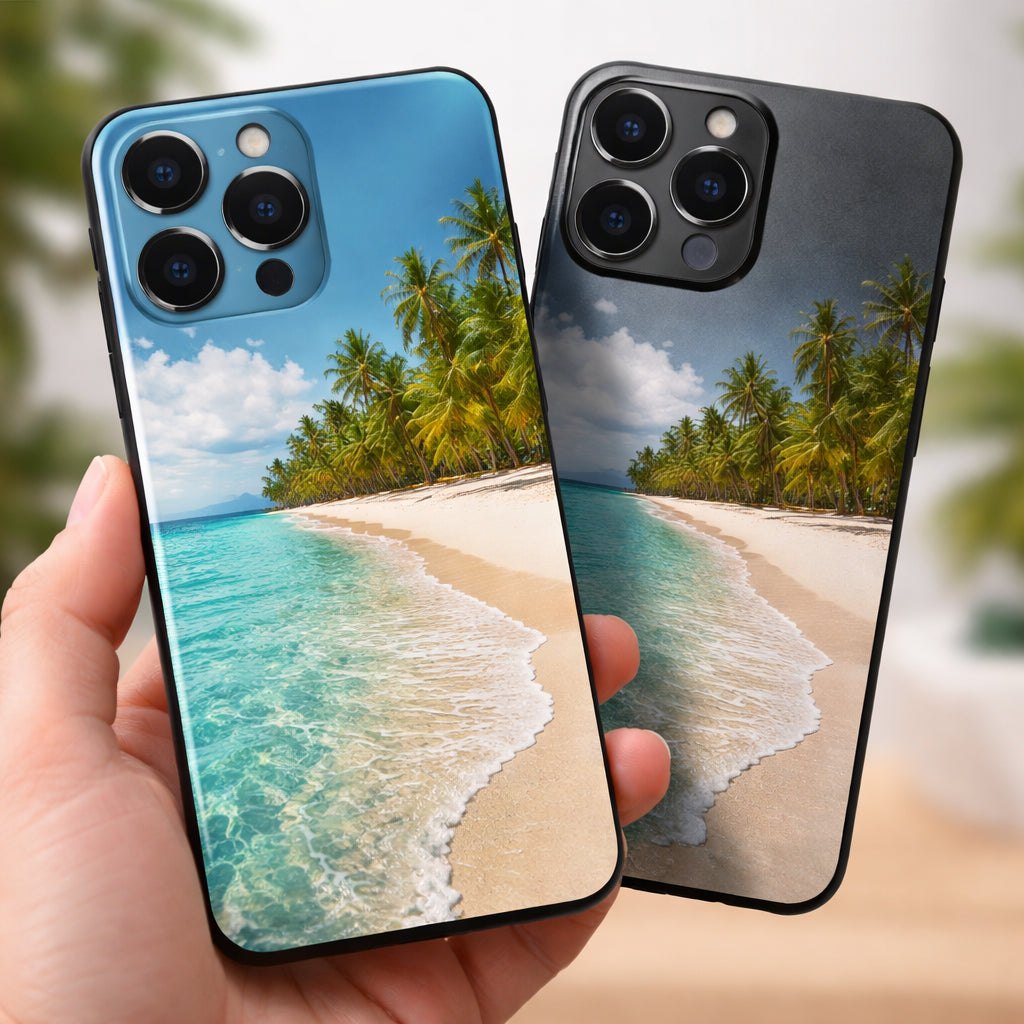
How to Design a Custom Phone Case with Photo: Step‑by‑Step Guide
Imagine you just got the new iPhone 17. You love the sleek design, but you also have a favorite family photo from last summer’s beach trip. You want that picture on your phone every day, but you also need the case to protect the pricey device. You scroll through generic cases, but none feel personal. You think, “What if I could make a custom phone case with photo that looks great and still guards my phone?” This guide will walk you through each step, from picking the right model to caring for the finished case. By the end, you’ll have a clear plan to create a case that shows off your memory and keeps your phone safe.
Step 1: Choose the Right Phone Model and Case Type
First, you need to know the exact model of your phone. An iPhone 17 Pro and an iPhone 17 Pro Max have different camera bump sizes, so a case that fits one won’t fit the other. Go to Settings > General > About on an iPhone, or Settings > About Phone on Android, to see the model name.
Once you have the model, look at the case styles that match your lifestyle. If you carry your phone in a bag and drop it often, a dual‑layer TPU + hard shell case gives you up to 7‑foot drop protection. If you prefer a slim feel, the one‑piece TPU design adds a light shield that still handles everyday scratches.
Here are three popular styles and why they might work for you:
- Slim Daily Carry – Light, fits in pockets, good for minimalists.
- MagSafe‑Ready – Built‑in magnets for wireless chargers, ideal for iPhone users.
- Maximum Defense – Air‑pocket corners and 25‑foot drop rating for rough‑handed folks.
Think about how you hold your phone. If you often grip the sides, a case with a textured finish will stop slips. If you love a glossy look, choose a glossy finish; a matte finish hides fingerprints better.
When you’ve decided on a style, preview the case on the seller’s site. Most sites let you rotate the model to see the camera cutout and button coverage. Custom Envy shows a 3‑D view that helps you spot any mis‑alignment before you buy. Custom Envy’s case catalog also lists the protection level for each style.
And if you’re curious about how to launch a similar product line, check out Minimalist Phone Case Print on Demand: A Practical Guide for Creators for a deeper dive.
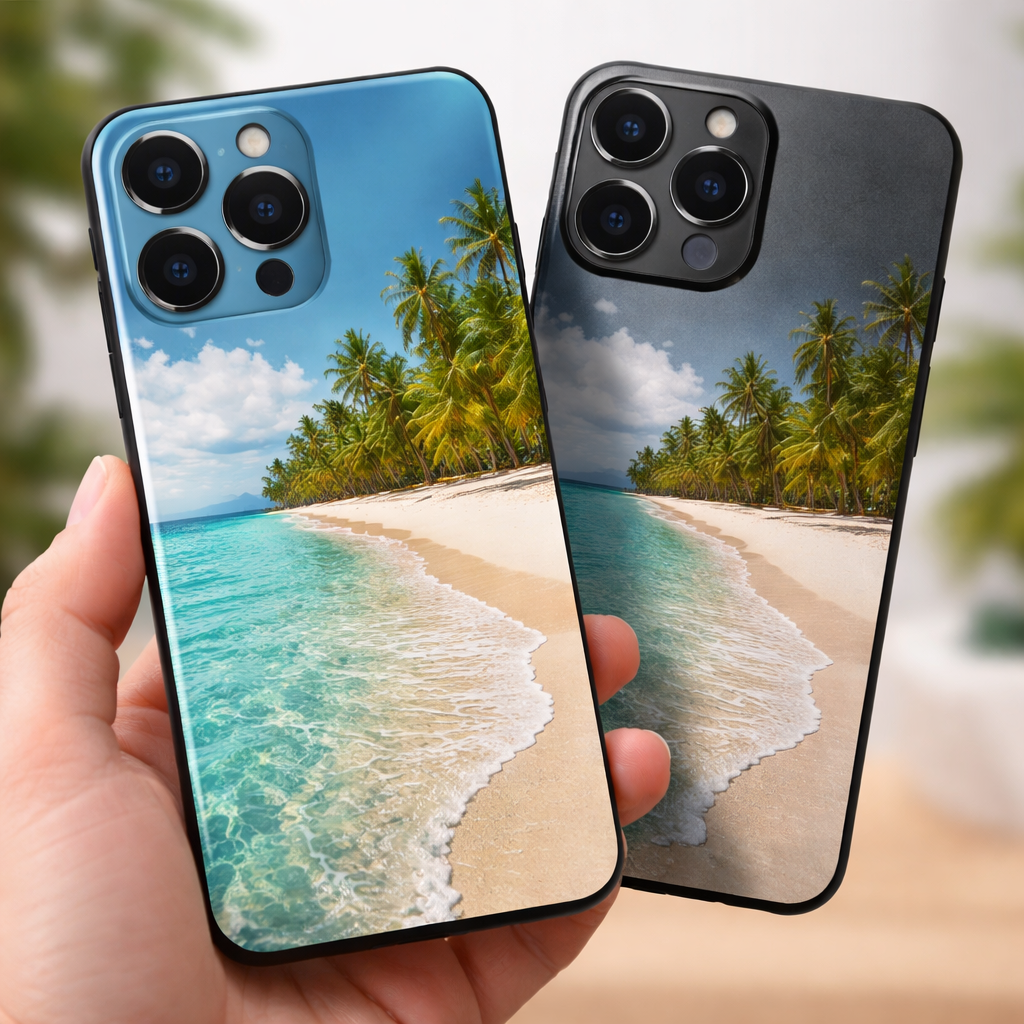
Step 2: Select High‑Quality Photos and Edit Them
The photo you choose is the star of a custom phone case with photo. If the image is blurry or low‑resolution, the print will look fuzzy. Aim for at least 300 dpi and a size of 1000 px × 1500 px. Most services will flag a photo that’s under 3 MB, so keep the file size in check.
Before you upload, open the picture in a simple editor like the free version of GIMP or even your phone’s built‑in editor. Boost the contrast a bit so the colors pop. Increase saturation slightly if the image looks washed out; this helps compensate for the shift from screen (RGB) to print (CMYK).
Crop the photo so the main subject stays away from the camera cutout and edges. Imagine a portrait where the eyes sit right next to the lens hole – that will be cut off. Leave a safe margin of about 0.5 inches around the edges.
Here are three editing tips:
- Use the “Sharpen” tool to bring out details without adding noise.
- Check the image on a bright screen; if it looks too dark, lift the exposure.
- Save the final file as a PNG to keep quality, not a compressed JPEG.
Many creators also add text or a short quote. Pick a simple font and place the text where it won’t hide the main picture. Wider Matrix guide explains how to add text and even AI‑generated art for a unique look. Pela Case blog offers a quick checklist for photo size and composition.
Once your image is ready, upload it to the case builder. Most sites give a live preview so you can see if the picture wraps around the sides or gets cut off.
Step 3: Compare Printing Services and Options
Not all printing services are equal. Some focus on low price, others on premium print quality or faster shipping. Below is a quick table that compares the most common options for a custom phone case with photo.
| Service | Price (starting) | Print DPI | Drop Protection | Turnaround |
|---|---|---|---|---|
| Custom Envy | $25 | 300+ | Up to 25 ft (air‑pocket) | 1‑4 days |
| Wider Matrix kiosks | $15 | 300 | 10 ft TPU | Instant (minutes) |
| Pela Case | $35 | 300 | 10 ft with biodegradable TPU | 5‑10 days |
| The Phone Case Place | $28 | 300+ | 7 ft dual‑layer | 3‑5 days |
Why does DPI matter? Higher DPI means sharper edges and less pixelation, especially on the curved sides of the case.
Consider the following when you pick a service:
- Guarantee – Look for a lifetime guarantee or free replacement for fading prints.
- Material – TPU is flexible, polycarbonate is rigid; pick what feels right in your hand.
- Shipping – If you need a gift fast, a kiosk or a service with 1‑day shipping is best.
Both Custom Envy’s reviews highlight their fast shipping and vivid prints, while their quality promise assures a five‑star experience.
And if you’re planning a school event, you might also explore photo booth rentals for extra fun. For more on that, see Photo Booth Rental for Graduation Party: A Step‑by‑Step Guide.
Step 4: Place Your Order and Review Proofs
When you’re happy with the preview, it’s time to order. Most sites ask you to confirm the model one last time – don’t skip this step. A wrong model means a case that won’t snap on.
Before you hit “Buy,” look at the proof image. This is a digital mock‑up that shows exactly how the photo will sit on the back, sides, and around the camera. Zoom in to check for any unwanted grain or color shift.
If the proof looks good, add the case to your cart. Many sellers, like The Phone Case Place, offer a “Buy One, Get One Free” deal – a neat way to make a spare or gift a friend.
Here are two quick checks before you pay:
- Verify the case style (Slim, MagSafe, Maximum) matches what you selected earlier.
- Make sure the shipping address is correct; many users forget to add a unit number.
After you place the order, you’ll get an email with a tracking link. Keep the email – it often contains a PDF of the proof you can reference if the print looks off when it arrives.
Need extra confidence? You can read more about customer service experiences at The Phone Case Place – they share many real buyer stories.
Step 5: Receive, Inspect, and Care for Your Case
When the package arrives, open it carefully. The case should fit snugly; there should be no wobble. Check the print under bright light – the colors should be crisp and the edges sharp.
If you spot any smudge or mis‑alignment, contact the seller within the return window. Most providers, like those listed on The Dairy’s guide, offer free replacements for printing errors.
To keep your custom phone case with photo looking fresh, follow these care tips:
- Wipe the case with a soft, damp cloth. Avoid alcohol or harsh cleaners that can fade the print.
- Remove the case by sliding a fingernail under the edge rather than pulling hard.
- Keep the case out of direct sunlight for long periods; UV can cause colors to fade over years.
- If you have a wallet‑style case, rotate stored cards each month to avoid indent marks.
Regular cleaning prevents dust from scratching the printed surface. For TPU cases, a mild soap solution works well. For polycarbonate, a quick wipe with a dry microfiber cloth is enough.
And if you’re looking for more ideas on how to personalize gifts, you might enjoy How to Choose the Perfect Wedding Photo Booth Rental: A Step‑by‑Step Guide. It shares fun ways to pair custom cases with event photography.
Conclusion
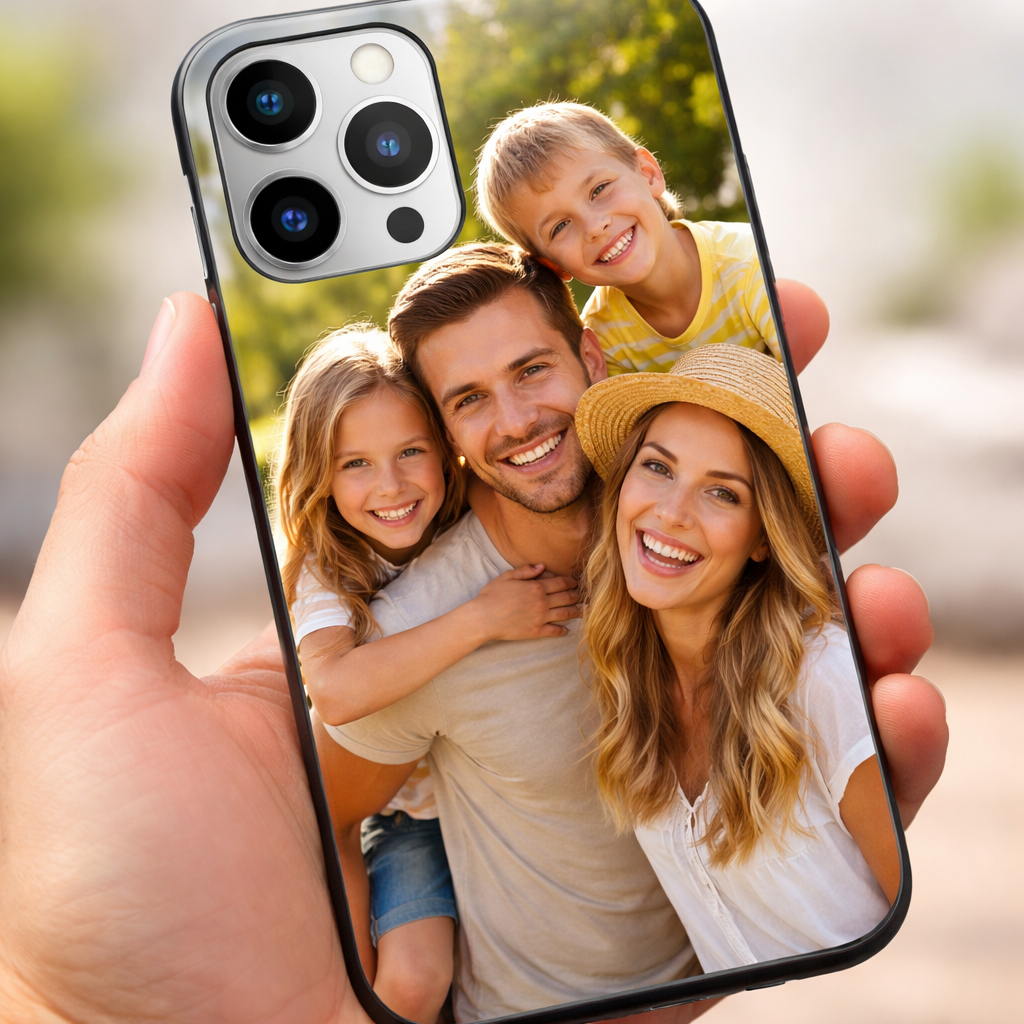
Creating a custom phone case with photo doesn’t have to be a headache. Start by confirming your exact phone model, pick a case style that matches your daily routine, and choose a high‑resolution image. Compare printing services for price, DPI, and protection level, then place your order and double‑check the proof. When the case arrives, inspect the print and follow simple care tips to keep it bright for years.
With the right steps, you’ll end up with a case that feels personal, protects your device, and even makes a great gift for a mom, dad, teacher, or nurse. Ready to start? Grab that favorite photo, follow this guide, and watch your phone transform into a tiny gallery you’ll love to show off.
FAQ
How do I know which phone model to select?
Open Settings on your phone and look under “About Phone” or “General > About” for the exact model name. Write it down before you start designing. Choosing the wrong model can lead to a case that won’t snap on or covers the camera improperly, which defeats the purpose of a custom phone case with photo.
What resolution should my image be for the best print?
Aim for at least 300 dpi and a size of 1000 px × 1500 px. The file should be under 3 MB and saved as PNG to avoid compression artifacts. Higher resolution means sharper colors and fewer visible pixels on the curved sides of a custom phone case with photo.
Can I add text to my custom phone case with photo?
Yes. Most designers let you type a short phrase, pick a simple font, and place it away from the camera cutout. Keep the text small enough to stay legible after printing, and choose a color that contrasts with the background for easy reading.
How long does shipping usually take?
Most print‑on‑demand services ship within 1‑4 days after your order is processed. Some kiosks can print a case in minutes, while standard online sellers may need 3‑5 days for delivery. Check the seller’s shipping policy before you order a custom phone case with photo.
What if the print looks faded when I receive the case?
Contact the seller right away and share photos of the issue. Many providers, like those listed in The Dairy’s guide, offer free replacements for fading or printing defects on a custom phone case with photo.
Is a custom phone case with photo safe for wireless charging?
Most TPU and polycarbonate cases are Qi‑compatible, and many MagSafe‑ready designs include built‑in magnets that work with wireless chargers. Verify the product description for “wireless charging compatible” before you buy to ensure smooth charging.


Leave a comment
This site is protected by hCaptcha and the hCaptcha Privacy Policy and Terms of Service apply.